
Logo of ClipTurn

ClipTurn

Rotate a video like you rotate a photo, right from File Explorer

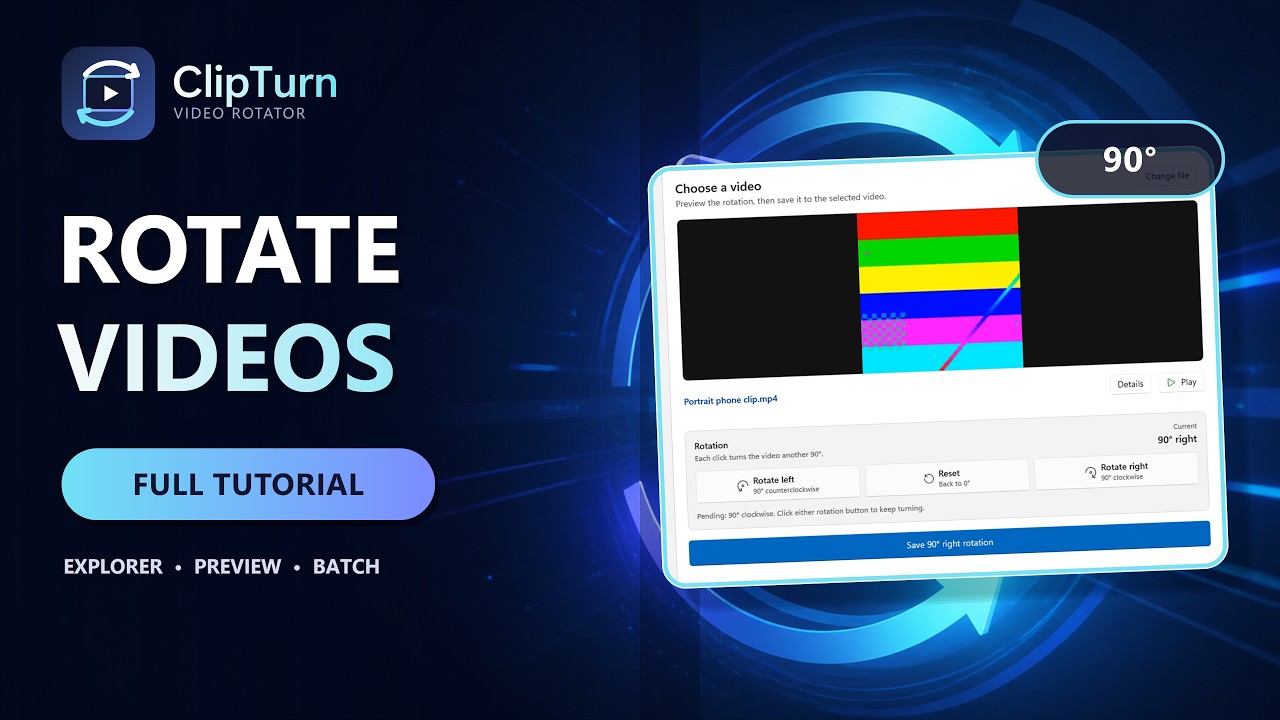
ClipTurn video preview

What ClipTurn does

ClipTurn is a small Windows 11 app that rotates a video the way you rotate a photo: right-click the file in File Explorer, choose rotate left or right, and it is done. No export dialog, no codec questions, no new filename to manage.

It physically turns the picture stored in the video instead of only setting an orientation flag that some players ignore, so the new orientation travels with the file to any player, editor, website or device. Before the source is replaced, ClipTurn builds a candidate and verifies it locally (file identity, picture geometry, stream preservation). If it cannot prove a faithful result, it refuses, explains why, and leaves your original untouched.

What you get

  • Rotate left and rotate right commands built into the File Explorer right-click menu.

  • Automatic decisions: no codec lists, bitrate guesses, quality sliders or output-format questions.

  • Preserves audio, subtitles, metadata, extra soundtracks, colour information and HDR where supported.

  • Batch Rotate a whole folder, with an individual result and a clear explanation for every file.

  • Verification receipts and a System Capabilities view that stay on your device.

  • Seven supported file types: MP4, M4V, MOV, MKV, WebM, WMV and uncompressed AVI.

  • 100% local processing: no account, no sign-in, no uploads.

  • Currently free on the Microsoft Store, with no trial timer, feature gate or subscription.

Honest limits are part of the design: compressed video is re-encoded (only uncompressed packed-pixel AVI can be rotated sample-exactly), a successful Explorer rotation replaces the file with no undo, and some codecs depend on what your PC has installed. ClipTurn tells you all of this before it acts.

ClipTurn pricing

ClipTurn is free to use, with no paid version listed.

Is ClipTurn legit?

Uneed can't vouch for ClipTurn, but here is what it can check. Read the reviews and the site's terms before you pay or share personal data.

  • Maker: published by fixquotes, who has a public profile on Uneed.
  • Launched on Uneed on Aug 12, 2026, and still listed.
  • Community: No upvote yet, no review yet.
  • Website: clipturn.app, Domain Rating 24 (DataForSEO).

What Uneed does not check: payments, refunds, or how ClipTurn handles your data.

Reviews

Used ClipTurn? Write the first review.

  • FixQuotes gets notified of your review and can reply.
  • A star rating is enough. A few words help even more.

Publisher

FixQuotes's avatar
fixquotes
Is this your product? Claim it

Questions about ClipTurn

ClipTurn is a design product listed on Uneed, available for free. It's tagged with Desktop Apps, Video. See the best Desktop Apps products for related options.

What is ClipTurn?

ClipTurn is rotate a video like you rotate a photo, right from File Explorer.

Is ClipTurn legit?

Uneed can't vouch for ClipTurn. What it can check: ClipTurn was launched on Uneed on Aug 12, 2026 by fixquotes and is still listed. Uneed does not check payments, refunds or data handling, so read the reviews and the site's terms before you pay or share personal data.

Is ClipTurn free?

Yes, ClipTurn is free to use.

What are alternatives to ClipTurn?

Discover similar desktop apps, video, productivity products in the Uneed directory.

What category does ClipTurn belong to?

ClipTurn is listed under Design on Uneed.

Products like ClipTurn

Best Desktop Apps products